Two-Way Matrix
Type Latin text and see it in glyphs live as you type, or enter glyphs with the built-in glyph keyboard and get Latin back. Your recent translations stay one tap away.
Type, scan or photograph alien script and read it instantly. Aurebesh and Elder Futhark runes, an interactive Learn mode, and share-ready image cards.
Translate Aurebesh both ways, scan it from the camera or a photo, learn the alphabet, and share the result as an image card.
Type Latin text and see it in glyphs live as you type, or enter glyphs with the built-in glyph keyboard and get Latin back. Your recent translations stay one tap away.
Point the camera at Aurebesh on posters, books or screens, or pick a photo. Finds lines, reads glyphs, and flags low-confidence characters in amber.
Browse the complete glyph table, flip through flashcards, and take quizzes to memorize letters and digraphs (such as TH, SH, and NG).
Turn any translation into a clean image card and send it to friends. Free cards carry a small alienscript mark in the corner.
Capture alien script on posters, props, monitors, or book pages, or select an existing image directly from your photo library.
Geometry analysis identifies text lines—even entire multi-line blocks—and reads each glyph with on-device confidence scoring.
Low-confidence glyphs are clearly highlighted in amber so you can correct them with one tap, then share your completed card.
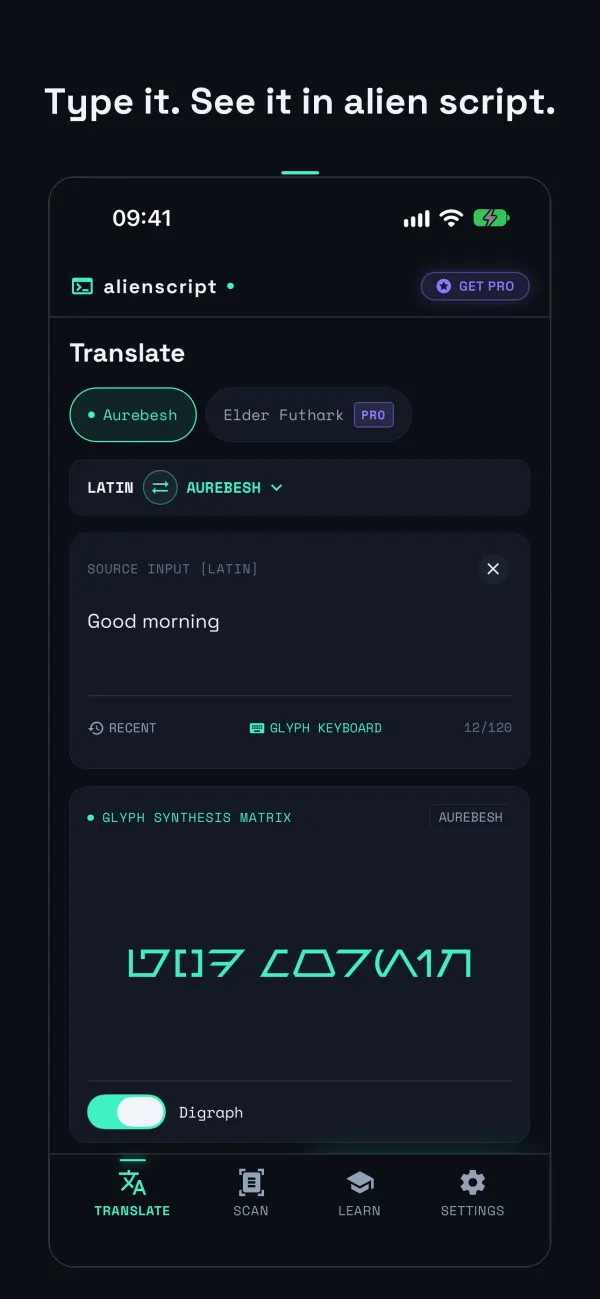
Live two-way translation with instant feedback as you type.
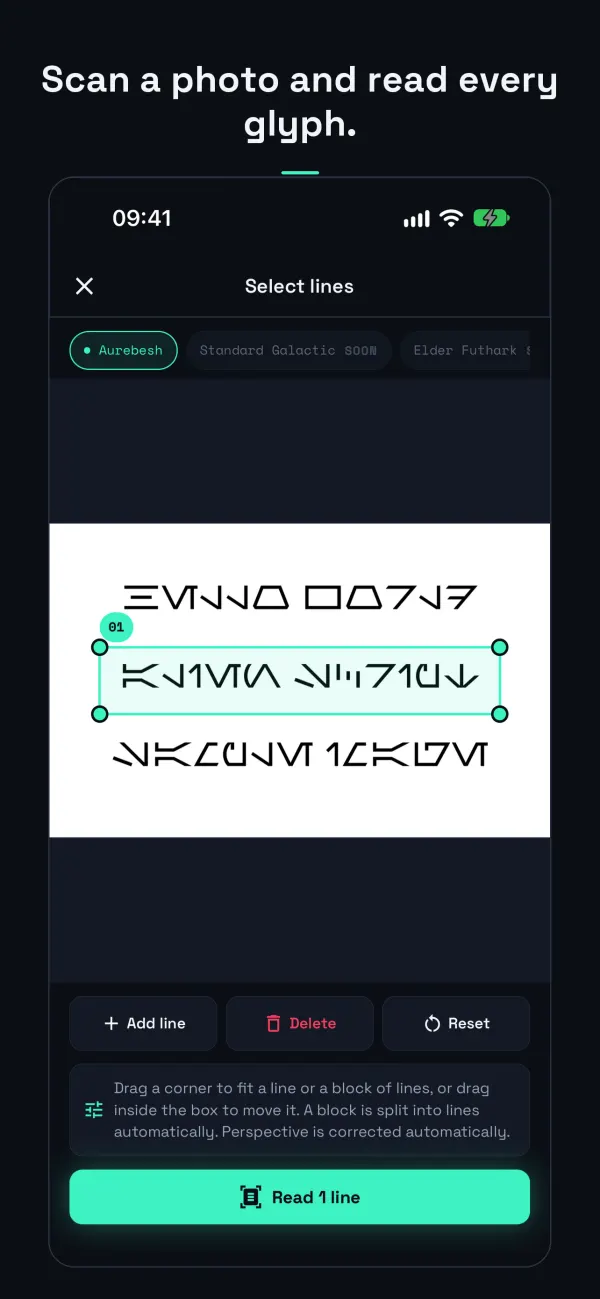
Camera and photo OCR with line detection and confidence scores.
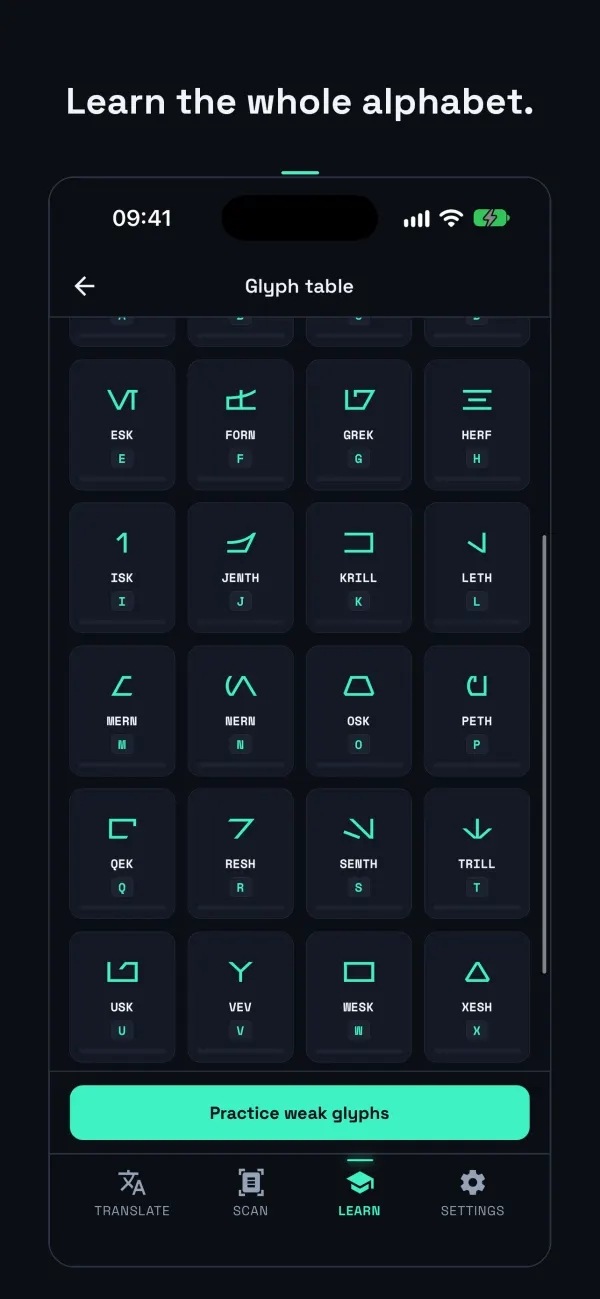
Glyph table, flashcards and quizzes.
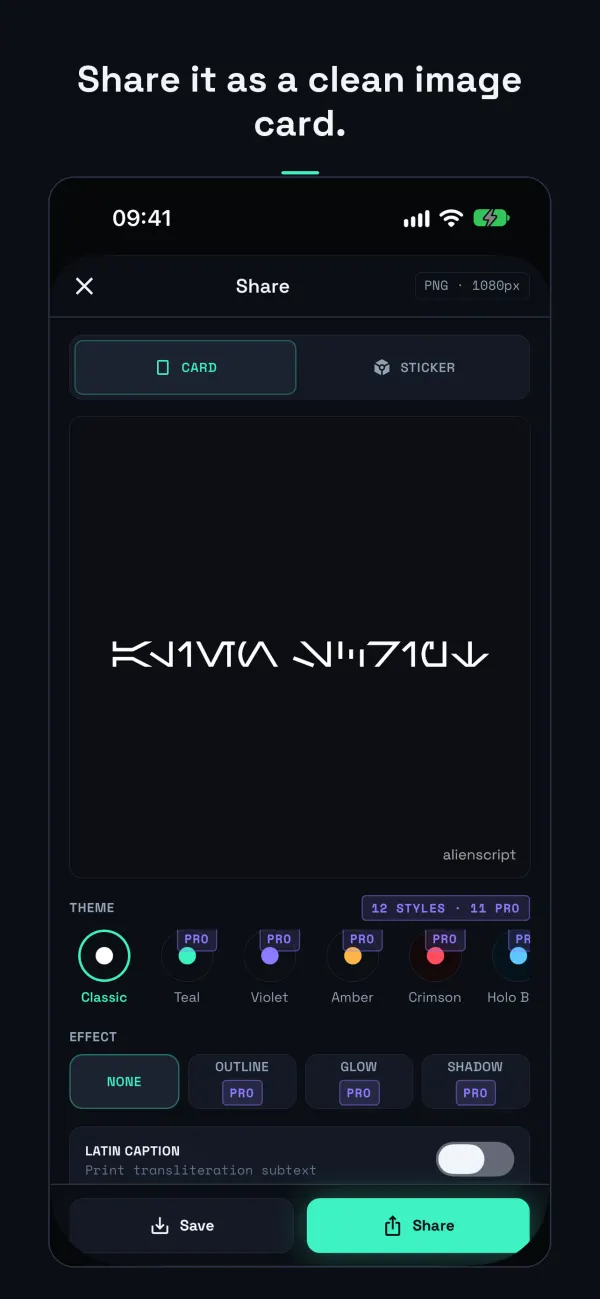
HD image cards with custom themes, effects, and watermark options.
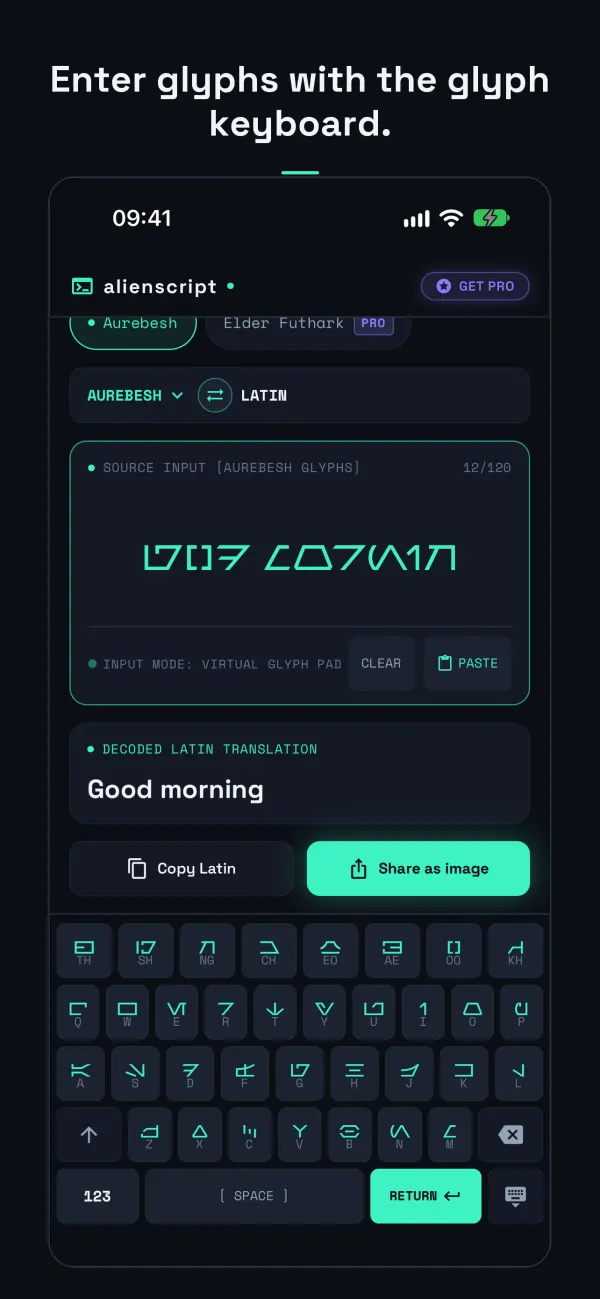
Dedicated glyph keyboard to type symbols directly into Latin.
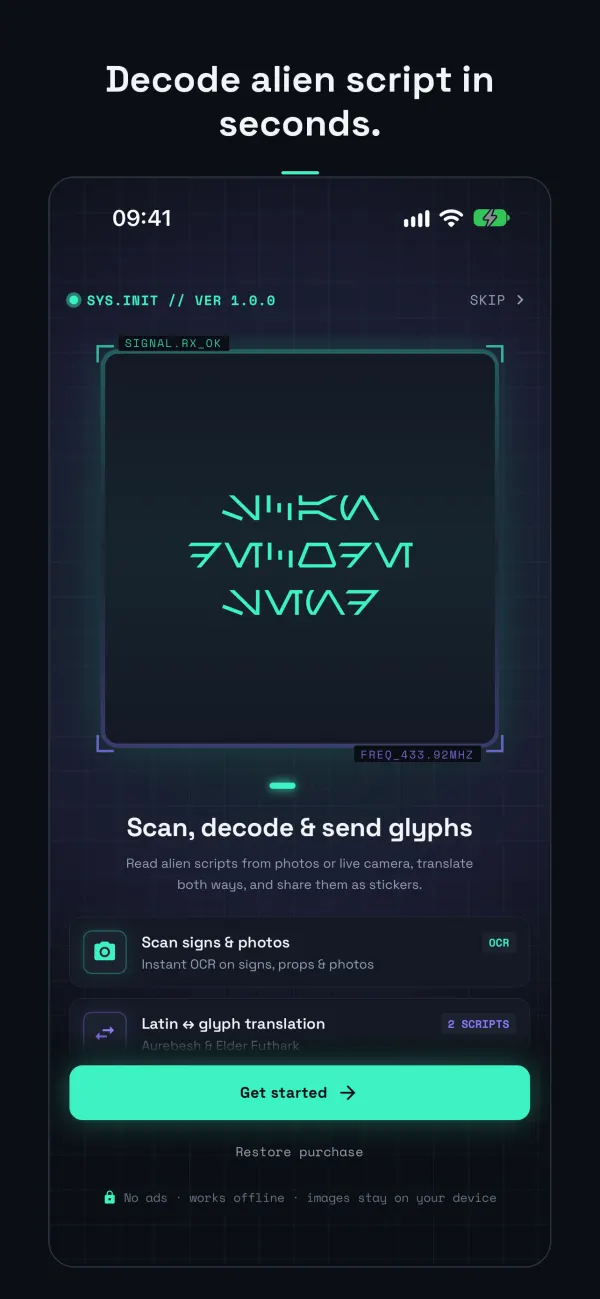
Instant start with zero account setup and local data privacy.
No account or sign-in. Photos and camera frames are read on your device and are never uploaded. The app collects only anonymous crash reports, diagnostics, usage statistics, random app identifiers and purchase records, and never tracks you across other apps. You can turn off anonymous crash and usage sharing anytime in Settings.
Aurebesh is a fictional writing system consisting of letters and digraphs (such as TH, SH, and NG). Alienscript translates Latin text to glyphs as you type, lets you enter glyphs with a dedicated keyboard to translate back to Latin, scans physical script from camera or photos, and helps you learn the alphabet.
Yes. Point your camera at Aurebesh on a poster, book page, or screen, or choose an existing photo from your library. Alienscript detects lines of text, isolates each glyph, and displays confidence ratings. Low-confidence glyphs are flagged in amber so you can correct them with one tap.
Yes. Translating with Aurebesh, scanning from the camera or a photo, learning with flashcards and quizzes, and exporting image cards are free to use. Free export cards include a subtle alienscript watermark in the corner.
No. Premium is a single, one-time purchase of $2.99 with no subscriptions and no ads. It unlocks Elder Futhark runes, watermark-free 2048px HD exports, 11 themes with outline, glow, and shadow effects, left alignment, and live decoding in the camera viewfinder. You can restore your purchase anytime in Settings.
No. Photos and camera frames are processed entirely on your device and are never uploaded anywhere. The app requires no user account or login and does not track you across other apps. You can also turn off anonymous crash reports and usage statistics in Settings.
Alienscript supports Aurebesh, including its digraphs (TH, SH, NG, and others), and historical Elder Futhark runes (available with Premium).